Compass Resident Portal
Welcome to the Compass Resident Portal! You’ll find payment information, important contact information, and other resident-related items on an as-needed basis.
- Compass Maintenance Number: (607) 252-8069
- Non-emergency and Administration Questions: (607) 220-4412
- INHS Main Office (for general information on other programs): (607) 277-4500
INHS regularly has homeownership and rental opportunities at Compass. If you’d like to hear about these opportunities, please fill out your name and email here. To contact someone at Compass, email compass@ithacanhs.org.
How to Pay Your Rent
To pay online:
- Go to: www.rentpayment.com/pay/login.html?pc=NAQ8DSCR85
- Choose your Street from the drop-down (Seneca Side is Seneca Rd, Tompkins is W Seneca Rd) and select your home #.
- Create a secure login and password.
- Your name must match your lease exactly
- Password requirements are complex to protect you from theft, misuse, or loss of your data – pay close attention to the requirements as they’re listed
- Setup your payment type in Step 2.
- You can use a checking account (ACH) or credit/debit card. If possible, please use a check as it minimizes the cost to us.
To pay by mail, make out checks or money orders to “Compass MHC” and mail to the INHS/BHTC offices at 115 W Clinton St., Ithaca, NY 14850. Be sure to clearly and legibly note your name and home number on the check or money order.
To pay in person, bring a check or money order to the INHS/BHTC offices and either deposit in the check box on the front porch or deliver directly to the front office staff. Be sure to clearly and legibly note your name and home number on the check or money order.
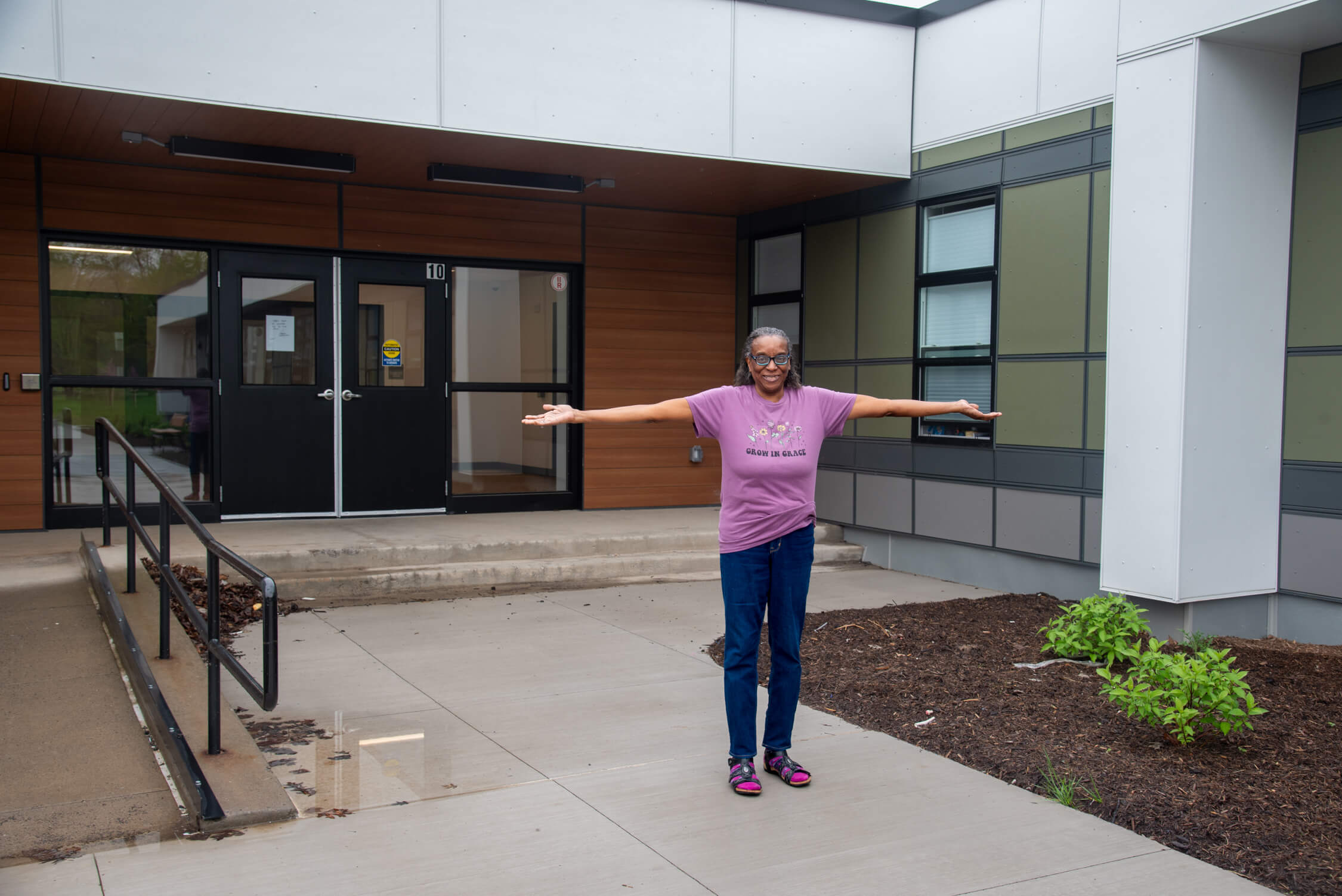

Home Inspection Class: In-Person, May 14, 2026
Learn how to evaluate homes and identify potential show stoppers at the INHS Home Inspection Class. A local certified home…
read more
See All Events